Convert
Any file in. The right file out.
Drop in any audio or video file and choose what it is for, not which codec it needs. When the streams already fit, Convert copies them untouched and finishes in seconds. When it has to re-encode, it hands the work to your graphics hardware.
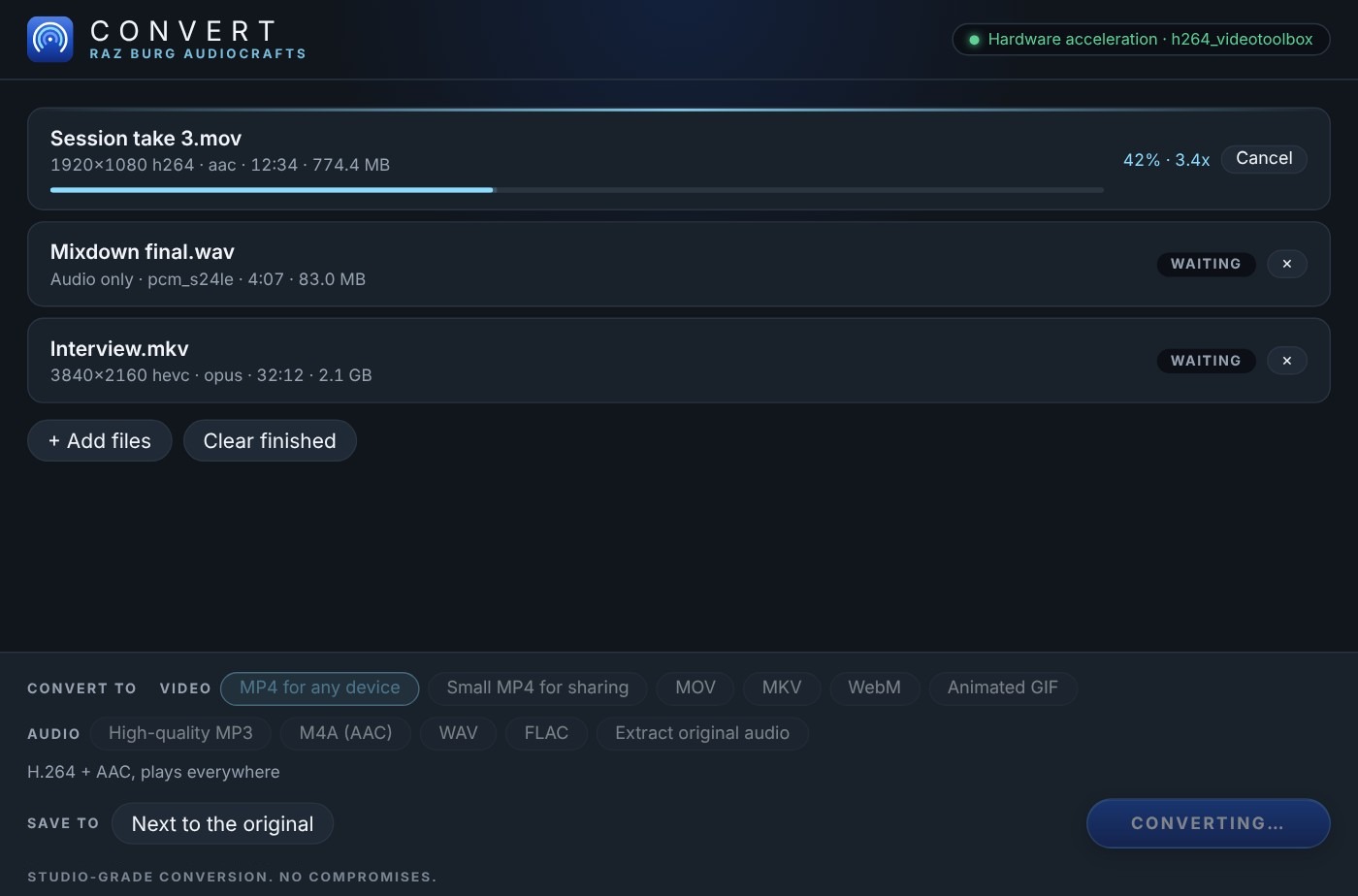
Conversion without the guesswork.
Presets are named for what you want to do, not for codec settings.
Named for the job
An MP4 that plays on anything, a small one for sharing, MOV, MKV, WebM or an animated GIF. Audio out as MP3, AAC, WAV, FLAC, Opus or AIFF, or the original track pulled out untouched.
Lossless when it can be
If no re-encode is needed, the streams are copied bit for bit. No generation loss, no waiting.
Fast when it can't
H.264 is encoded on the GPU on Mac and Windows, and a whole folder can sit in the queue while you work.
System and licence
Download the installers from My plugins after you sign in.
| macOS | macOS 11 or later, Apple Silicon. Signed and notarized |
|---|---|
| Windows | Windows 10 or 11, x64 |
| Licence | Free with your AudioCrafts account. No activation needed |

Get Convert. It’s free.
Create a free account, add Convert to My plugins and download it for Mac or Windows.